Brand guide
How to change an Apple Watch band
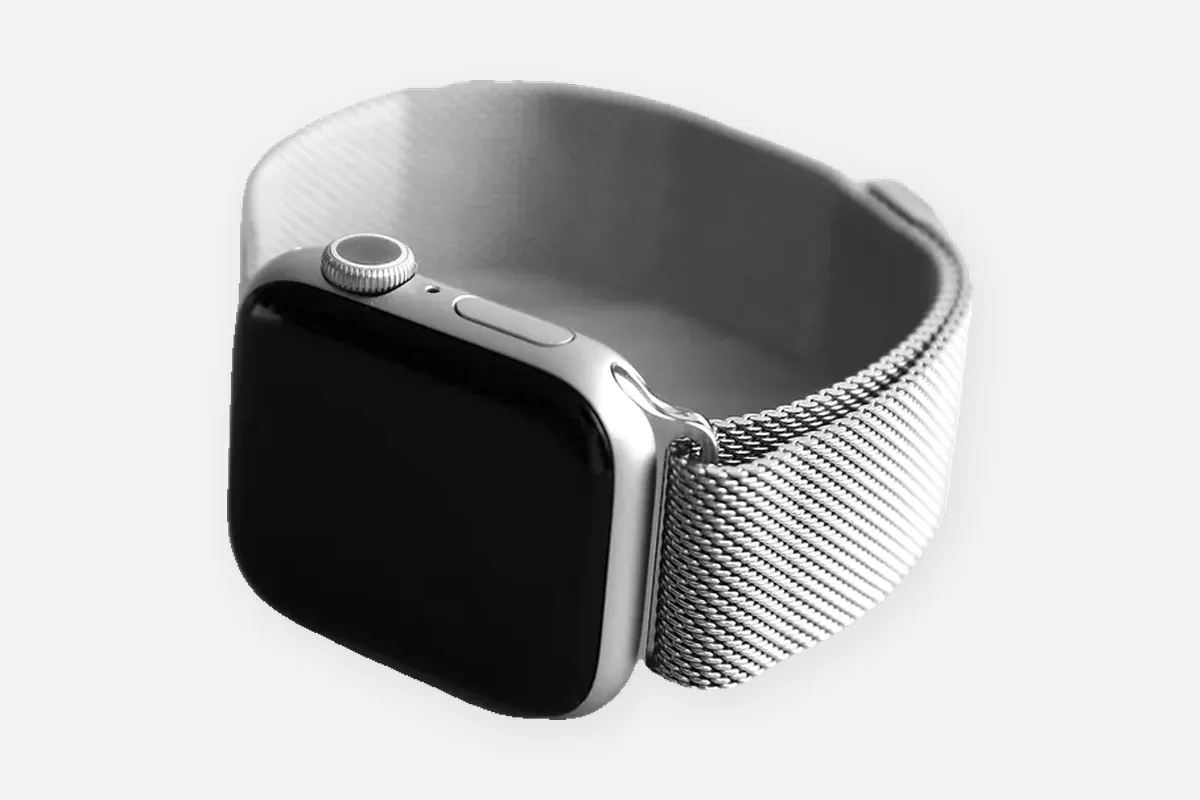
Every Apple Watch band comes off with a button on the back of the case, and every band is sized by hand. There are no spring bars and no pins, and a watch tool near the case only risks a scratch.
Changing the band
- Turn the watch over. Place it face down on a soft cloth.
- Hold the band release button. It sits on the back of the case next to the band slot.
- Slide the band out. Slide it sideways across and out of the slot while holding the button.
- Slide the new band in. Text on the band facing you, slide it in until you feel and hear a click.
- Check it. Pull gently. The band must not move.
Apple's safety ruleNever force a band into the slot. If it will not click, slide it left and right until it does. If a band slides freely after fitting, do not wear the watch until it is seated.
Removing links from the Link Bracelet
Apple's Link Bracelet is resized by hand. Links with a small quick-release button on the underside can be removed.
- Close the butterfly clasp first, folding each side until it clicks.
- Press a quick-release button on the underside of a link and gently pull the links apart.
- Remove links evenly from both sides so the clasp stays centered.
- Join the bracelet by pressing the ends together until the link clicks.
To take the whole Link Bracelet off the watch, split it into two halves at a quick-release link first, then remove each half with the band release button as usual.
Sport Band, Solo Loop and Milanese Loop
Sport Band: sized with the pin and tuck closure. If no hole fits, you need the other band size, Apple sells Sport Bands in S/M and M/L. Solo Loop and Braided Solo Loop: there is no adjustment at all. Size it with Apple's printable sizing tool, printed at 100 percent and checked against a credit card. If you fall between two sizes, Apple says to choose the smaller one. Milanese Loop: magnetic, it adjusts anywhere along its length.
If a band will not fit
Apple bands come in two size groups matched to case sizes. A band from the wrong group will not seat properly in the slot. That is not a tool problem and nothing on the watch can be adjusted to fix it. Check the case size engraved on the back of your watch and buy the band for that group.
FAQ
How do I change an Apple Watch band?
Turn the watch over, hold the band release button on the back and slide the band sideways out of its slot. Slide the new band in until it clicks. No tool is needed.
How do I remove links from an Apple Watch Link Bracelet?
Close the butterfly clasp, press the quick-release button on the underside of a link and pull the links apart by hand. Remove links evenly on both sides.
Can I use a watch tool on an Apple Watch?
There is nothing for a tool to do. The bands release with the button on the case, and a metal tool only risks scratching the case.
Why does my Apple Watch band not click in?
Either it is not aligned, slide it left and right gently, or it is a band for the other case size group.