Brand guide
How to change and adjust a Garmin watch band
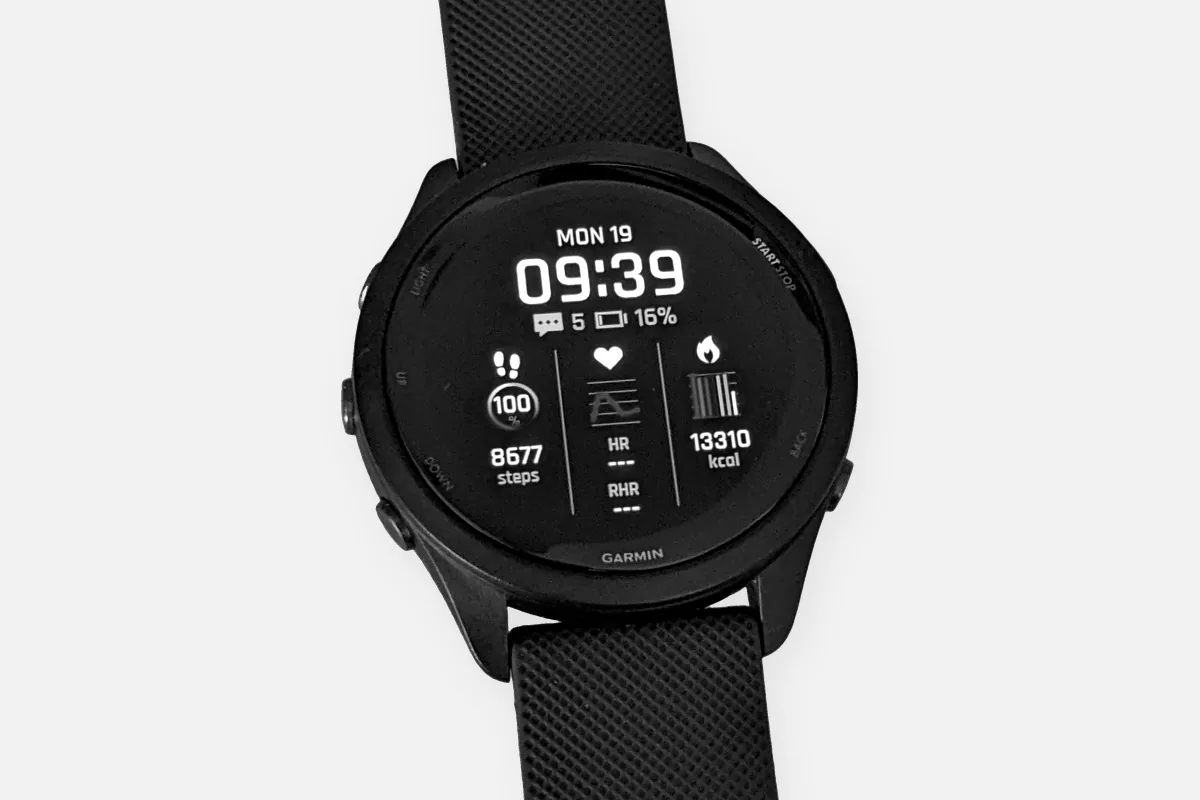
Garmin watches use two band systems, and neither needs a tool. QuickFit bands clip onto a pin that stays in the watch. Quick-release bands have a small lever on the spring bar. The only Garmin bands that need a tool are metal bracelets, and even there Garmin often recommends a jeweler.
QuickFit or quick release?
| System | Used on | How it works |
|---|---|---|
| QuickFit (20, 22 or 26 mm) | fēnix, epix, Enduro, tactix, quatix, Descent and more | A latch on the band closes over a pin that stays in the watch |
| Quick release (width varies by model) | Venu, vívoactive, Forerunner and more | A spring bar with a small lever, like a standard watch strap |
QuickFit bands come in three widths. Check your watch's manual or the old band for the size before you order, a 22 mm band will not fit a 26 mm watch.
Changing a QuickFit band
- Slide the latch. On the band, next to the watch, slide the latch open.
- Lift the band off. The band comes off the pin, which stays in the watch.
- Align the new band. Hold it against the pin at the same angle.
- Press it into place. Press until it snaps on. Garmin says the latch must close over the watch pin.
- Check it. Pull on the band before wearing it.
Changing a quick release band
Garmin's manuals for the Venu and similar models describe it: slide the quick-release pin on the spring bar to remove the band. For the new band, insert one side of the spring bar into the watch, slide the quick-release pin and align the other side, then release it. Pull gently on the band to confirm both ends are seated.
Metal bracelets
For fēnix metal bands, Garmin's manual recommends taking the watch to a jeweler or other professional to adjust the length. For the MARQ metal bracelet, the manual gives steps: use a small screwdriver to unscrew the links, remove an equal number from both sides of the clasp, and use a pin tool to move the spring bar in the clasp for fine adjustment. Garmin warns that the spring bar is compressed and can jump out when released, so hold the clasp over a tray.
FAQ
How do I change a Garmin watch band?
For QuickFit bands, slide the latch on the band and lift it off, then press the new band onto the pin until the latch closes over it. For quick-release bands, slide the small lever on the spring bar and lift the band out.
What size Garmin band do I need?
QuickFit comes in 20, 22 and 26 mm. Quick-release widths vary by model. Check the manual or the markings on your current band.
How do I remove links from a Garmin metal band?
Garmin recommends a jeweler for fēnix metal bands. For the MARQ bracelet the manual says to unscrew the links with a small screwdriver and remove them evenly from both sides.