Brand guide
How to adjust a Timex watch band
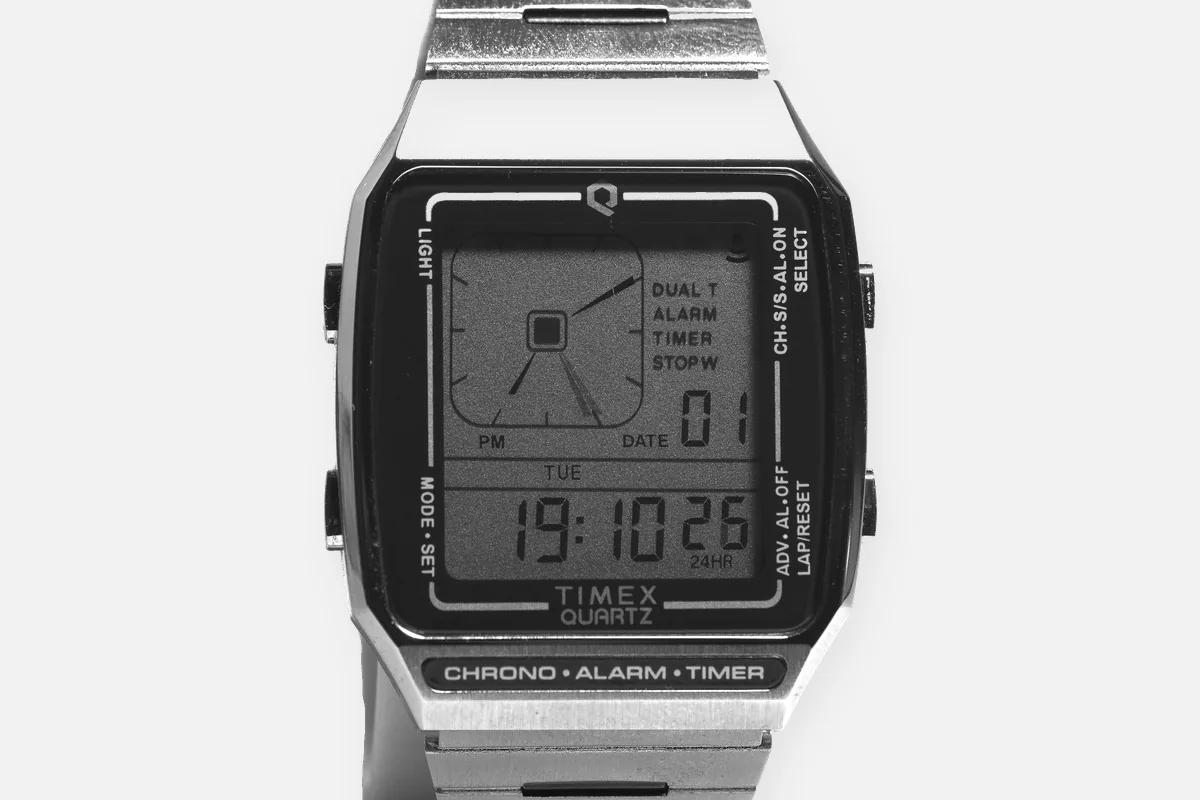
Timex has more band types than any brand on this site, and each is adjusted differently. The good news: Timex documents most of them itself. The one thing to get right before you touch anything is which expansion band you have, because one comes apart by hand and the other must never be pulled apart.
Which Timex band do you have?
| Band | How to recognize it | How it adjusts |
|---|---|---|
| Perfect Fit expansion band (Q Timex, Q Timex Malibu, some T80 and mini models) | Stretch band with textured sections on the links | By hand, squeeze and pull, see below |
| Classic expansion band | Traditional stretch band, small metal tabs folded over on each link | Pry tabs, remove U-clips, see below |
| Steel link bracelet | Solid links, arrows on the inside | Push pins out with the arrow |
| Sliding clasp bracelet | Clasp with a locking plate that slides along grooves | Open the plate, slide, engage the grooves |
| Weekender slip-thru strap | One-piece strap that runs behind the case | Buckle only |
Perfect Fit expansion band: by hand
- Find the textured links. They sit in the center of the band. Choose the one next to the link you want to remove.
- Squeeze it. Press the textured part of the link firmly.
- Pull apart while squeezing. The band separates at that joint.
- Remove the link. Repeat if you need to remove more than one.
- Rejoin. Squeeze again and insert the opposite end until it locks.
Classic expansion band: tabs and clips
A traditional expansion band has no tool-free release. Each link is held by small U-shaped clips under folded metal tabs. Do not pull it apart, that bends the clips and the band will open on your wrist.
- Choose a link near the middle of the band so it stays symmetrical.
- With a case knife or thin blade, pry up the two tabs on the inside and outside of the joint.
- Pull out the U-shaped clips with tweezers or thin pliers and separate the link.
- Refit the clips into the next link and bend both tabs flat again.
- Stretch the band open and closed a few times to check it holds.
Steel link bracelets
Timex's own manual is direct: push the pin forcefully in the direction of the arrow until the link is detached, the pins are designed to be difficult to remove. Push it back in the opposite direction until flush. Timex's manual mentions no collar for these pins. Use a pusher in a holder, not a nail.
Sliding clasp and the Weekender
On a sliding clasp bracelet, open the locking plate, move the clasp, then press while sliding it back and forth until it engages in the grooves underneath. The Weekender slip-thru strap passes behind the case and adjusts only at the buckle. Many newer Weekenders ship with two-piece quick-release straps instead, which come off with the small lever on the spring bar.
FAQ
How do I adjust a Timex expansion band?
If it is a Perfect Fit band, squeeze the textured link and pull the band apart by hand. If it is a classic expansion band, you must pry up the tabs, remove the U-clips and refit them, never pull it apart.
How do I remove links from a Timex steel bracelet?
Push the pin forcefully in the direction of the arrow on the inside of the link until it comes out, then push it back in the opposite direction until flush. Timex notes the pins are designed to be difficult to remove.
How do I adjust a Timex Weekender strap?
At the buckle. The slip-thru strap passes behind the case and has no links. Newer versions with two-piece straps come off with the quick-release lever.